
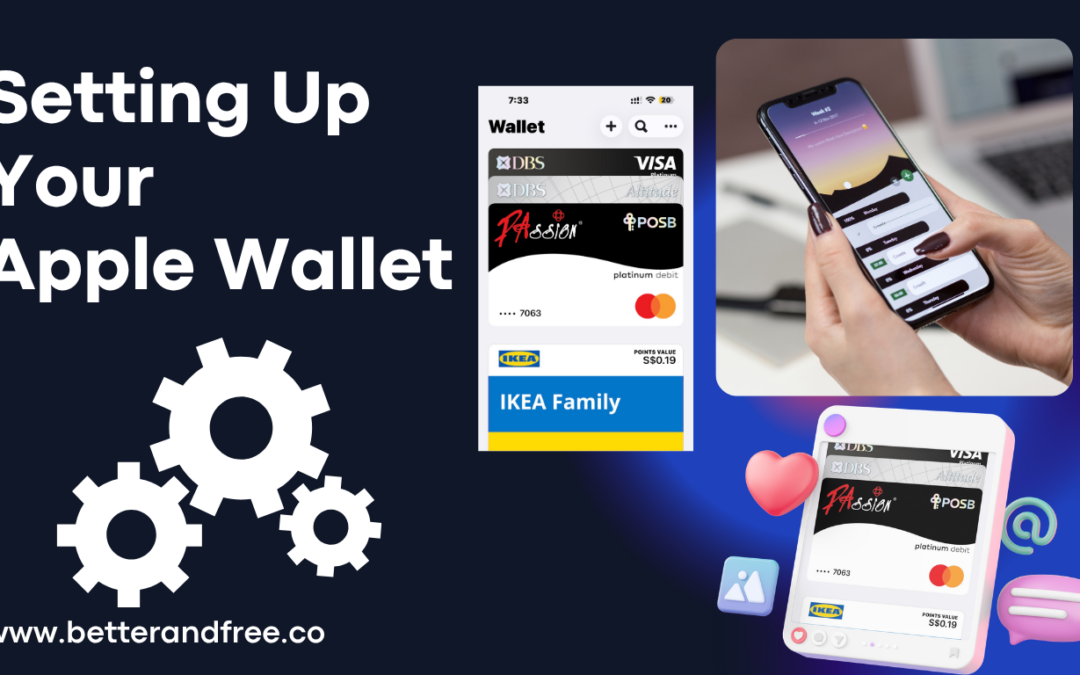
Setting up your Apple Wallet is so fast and very easy. It is a built-in app using your iPhone. All you have to do is to add then select if it is debit or credit card or you may opt to scan your physical card or you can enter your card details manually. Then just follow the prompts for your bank verification.
Here is the step by step procedure on how to set up your iPhone wallet app.
- Tap the iPhone wallet app.
- Once tapped, tap the plus symbol (+) located at the top-right corner of the app.
 Apple Wallet Plus (+) sign
- Select whether your card is a debit or credit card then tap to continue.
- Proceed by entering your card details. You enter your card details automatically by holding your iPhone near the card or you can manually enter the card details.
- After that your bank as card issuer will verify your information. Normally you bank app will notify you for an approval or it could be a text message or email as well. Once Ok and approved, you can start using your wallet using Apple pay.
So simple right, please subscribe to our newsletter for more tech info and tech know how to tips.